


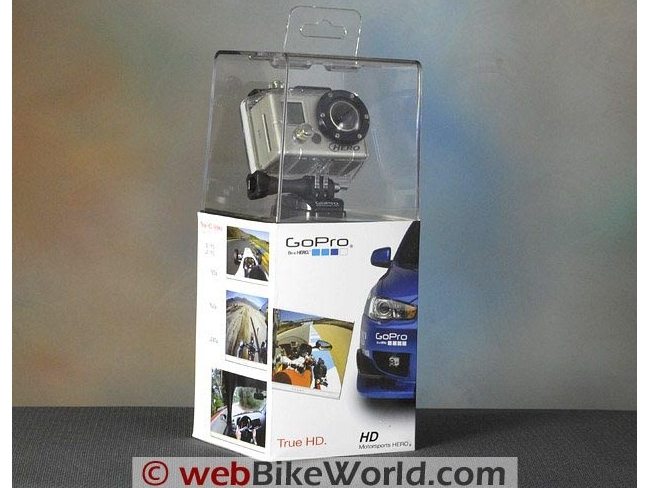
The GoPro HD video camera takes very good quality HD video and decent photos.
It has several interesting features, but the menu system seems obsolete compared to the Drift X170 (see Part 2 of this review).
The GoPro HD is slightly bulky for use on a motorcycle. Combine the best features of the Drift X170 and the GoPro HD and you’d have a winner.
It’s not often that we have two items at the same time to compare for a review, but the GoPro HD and the Drift X170 video cameras arrived within days of each other, making a comparison a natural.
I am the evaluator for both of these cameras and I decided to write two separate reviews, but I will compare each camera when appropriate and summarize my opinions within each review.
So let’s start with the GoPro HD Hero video camera. Actually, this is the “Motorsports” version of the GoPro HD.
The company also makes “Surf Hero” and “Helmet Hero” versions, but the Motorsports version is usually the version sold for motorcycle use.
Any of the GoPro HD cameras can be used for any of the other configurations by purchasing accessory mounts, but the basic camera is the same no matter which configuration you choose.
The original GoPro camera was reviewed on webBikeWorld, as was the GoPro Wide, which was apparently a pre-HD attempt at getting an HD-like camera to market.
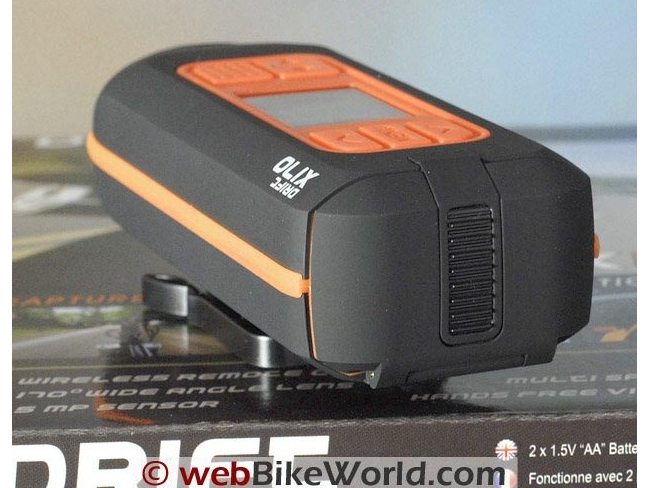
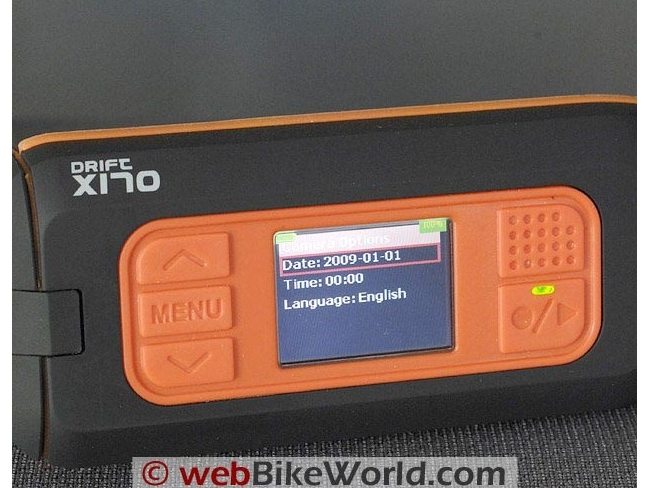
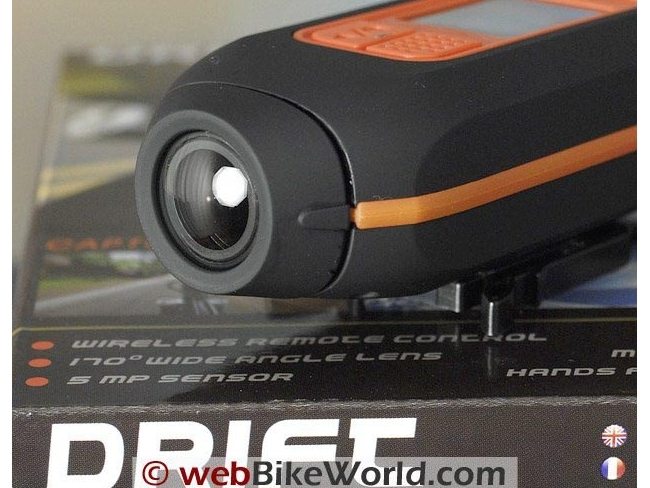
The Drift X170 that I’m reviewing in Part 2 is not HD; it is also a wide format camera, making this comparison a bit of an apples-to-oranges exercise, but both cameras have their pros and cons.
[UPDATE: Since this review was first published, Drift released an HD version of the X170. See ourDrift HD170 Video Camera Review]I’ll cut to the chase here and say that a camera that combines the form factor and menu system of the Drift X170 with the HD quality of the GoPro HD would be the real winner here, but no such camera currently exists, which is unfortunate.
GoPro HD Specifications
The GoPro HD is a full HD video camera, recording 1080p in H.264 format at 1920×1080 pixel resolution and either 30 or 60 frames per second. The 60 fps files will display as slightly slow motion (standard filming is approximately 30 fps).
It will also take 720p at 1280×720 and 960p at 1280×960 by choosing the format in the menu system.
The GoPro HD will also take 5 megapixel photos in single mode or it can be set to take a photo every 2, 5, 10, 30 or 60 second intervals, along with a 3-photo “burst” and it has a self-timer.
Photos and video are stored on an SD card up to 32GB capacity and the files are .MP4 format (H.264).
Average claimed recording times card are 12 minutes per GB for 1080p; 13 minutes per GB for 960p and 16 minutes per GB for 720p.
So multiply one of those numbers times the capacity of your SD card and you’ll know the approximate amount of recording time available.
For example, I used a 4GB SanDisk card at 1080p, which yields approximately 48 minutes of recording.
Here’s a snipped screen shot of the file size comparison.
The Drift X170 and GoPro HD were mounted on either side of the fuel tank on the motorcycle with suction cup mounts and the cameras were started more or less within a few seconds of each other and turned off about the same times.
The Drift X170 is not HD and saves files in .MP4 or .MJPEG .avi format, so you can see the difference in file size of the two nearly identical videos:

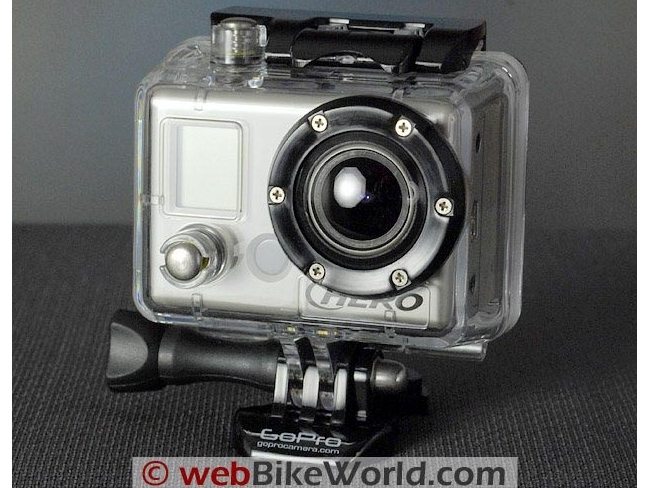
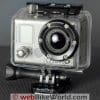
The GoPro HD camera sits inside the standard GoPro waterproof housing, which is claimed waterproof to 60 meters, an excellent rating for this type of unit (the Drift X170 is waterproof to 0.5 meter only).
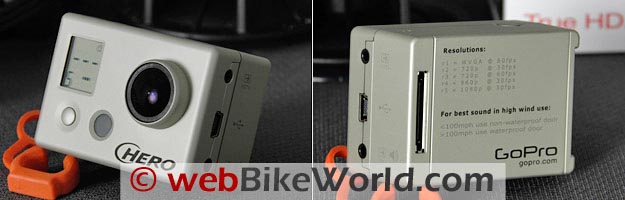
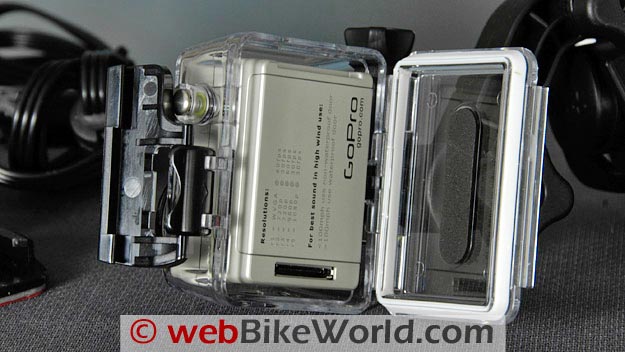
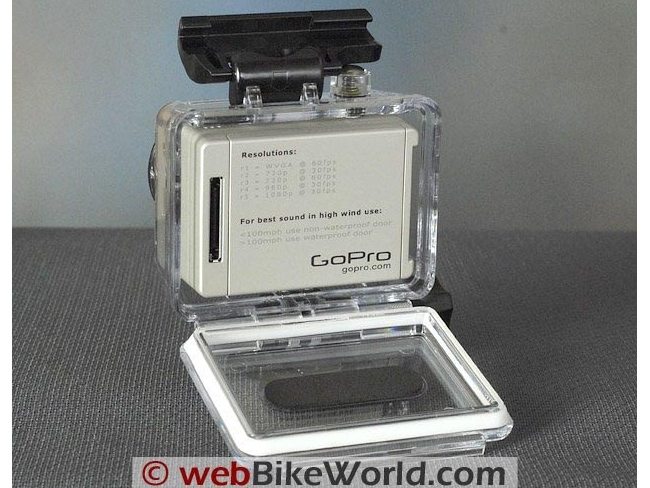
The housing opens easily and it has a thick gasket around the door. The camera body slides out of the housing and then looks somewhat forlorn, like a turtle without its shell, weak and fragile.
Basically anything that was said about the GoPro video cameras in previous webBikeWorld reviews goes for the HD version also. Not much if anything has changed — for better or worse.
The form factor of the GoPro camera inside the housing has some good points but it can be clumsy to mount on a helmet or a bike, especially with the included but puzzling suction cup mount that only articulates in one plane (discussed below).
But overall the package does feel rugged and once the camera is inside the housing, it seems pretty secure and the housing also offers a extra modicum of protection for the lens.
Remember that the camera must be removed from the housing to access the ports or the SD card, so be careful to not touch the coated lens and also to make sure no dirt, moisture, salt water or sand gets inside.
Battery and Charging
The GoPro HD uses a lithium ion battery with a claimed 2.25 hours recording time vs. 4.5 hours claimed for the two AA batteries in the Drift X170.
The camera must be removed from the housing and connected via the supplied USB cable to a computer or a powered USB hub for recharging, which can be a problem because then the camera is sitting out in the open, increasing the potential for dust or dirt intrusion or a tip-over which might damage the lens.
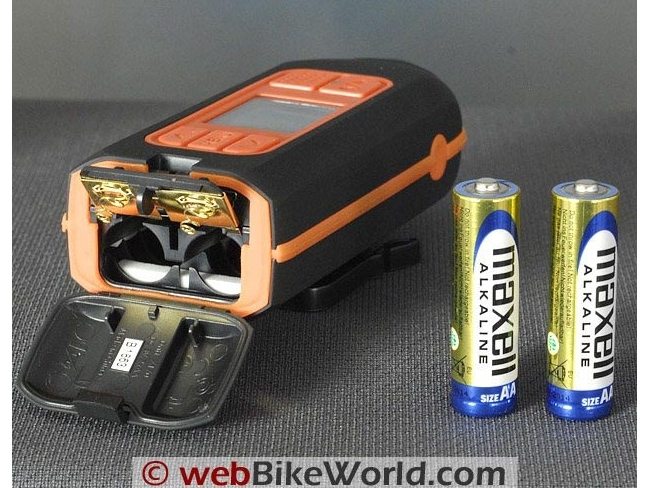
In comparison, the Drift X170 uses two AA batteries, which I think is a better solution because the batteries can be replaced on the road if necessary.
The X170 comes with a couple of basic Maxell alkalines, but rechargeable batteries can be used also and lithium batteries are recommended.
Both the GoPro HD and the Drift X170 have battery life indicators on their LCD panels.
It takes about 4 hours to completely recharge the GoPro HD when using a computer USB port.
Accessory chargers are available which can decrease this time, but if the battery dies whilst you’re on the road, you’re sunk, unless you have a spare battery or a plug-in 12V recharger with a USB connector.
The internal battery in the GoPro is replaceable and a spare can be purchased from GoPro for $19.99 (we previously were incorrect in reporting that the battery was permanent).
Both the GoPro HD and the Drift X170 can be powered from an accessory (i.e., cigarette lighter socket) power supply that converts to a USB output) and the GoPro battery would be charged when doing so.
However, the GoPro would have to be removed from its housing to do so and the rear battery compartment door on the Drift camera would have to be open to connect to the USB port.





About That Box…
I want to tell you about a pet peeve of mine that relates to both of these cameras. They both came in boxes that are basically completely useless once opened.
The GoPro HD box is especially bad in this regard, as it has a clear plastic top that serves no functional purpose after it is ripped off the top of the cardboard container.
The worst part about it is that the plastic isn’t even made from a recyclable type of material.
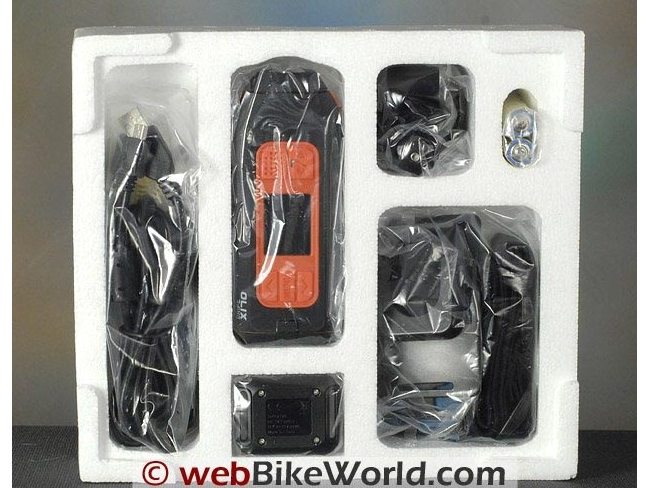
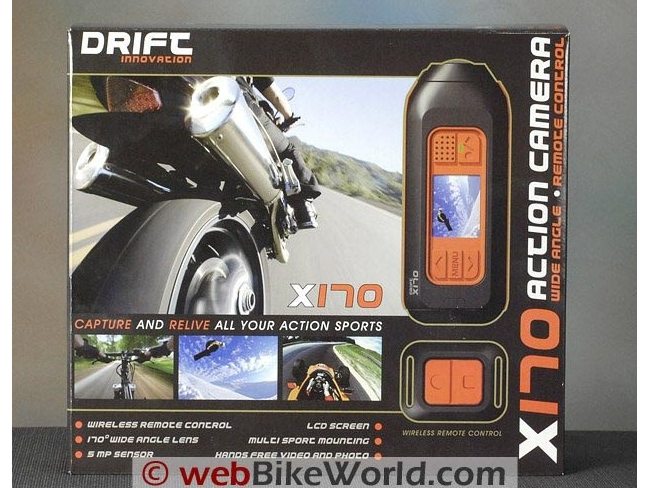
The Drift X170 box isn’t much better, filled with a big EPS foam insert.
Once you remove all the parts from either box — and there are a lot of parts and accessories — you’re stuck with a pile of stuff that needs to be stored somewhere.
So why can’t these companies create packaging that serves a dual purpose?
A nice container or soft pack that holds all the goodies, with the company logo on the outside that would protect the camera and the lens, help the environment (potentially) and give the owner something to carry all the gear around in?
To me, it’s a natural, and why they haven’t done this is a mystery.
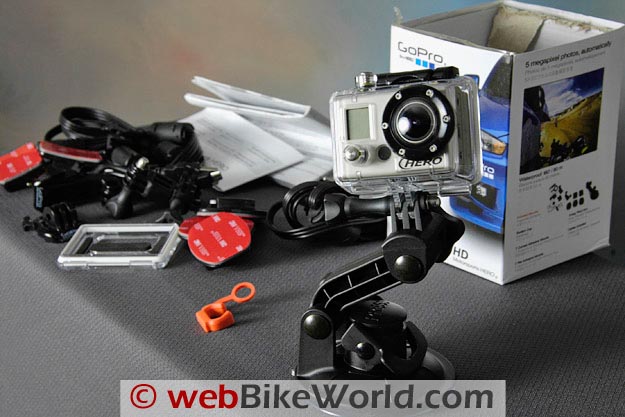
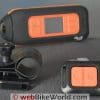
All of the parts provided with the GoPro HD camera.In the Box
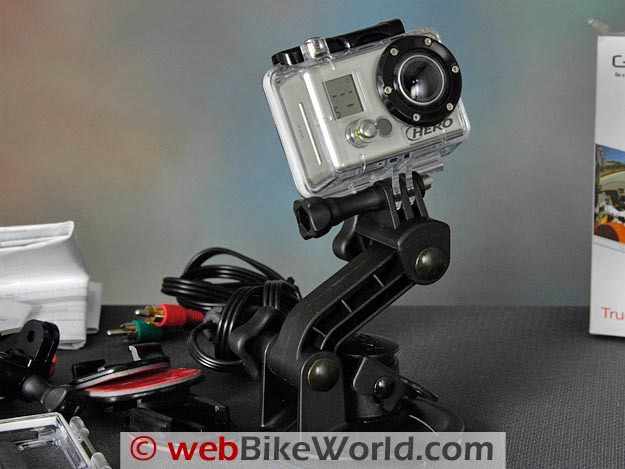
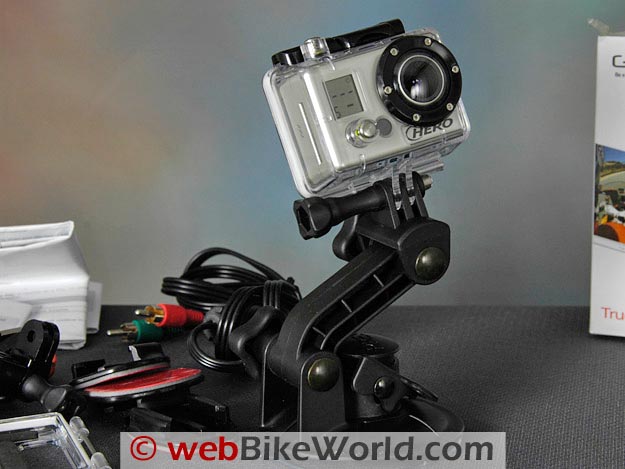
The GoPro HD comes with a large assortment of accessories, including one of the most important: a suction cup mount.
It’s a nice mount; the Drift X170 does not come with one, so I had to buy a separate Panavise-type similar mount for that camera for about $25.00.
The GoPro HD Motorsports version includes the suction cup mount, several mount adapters, sticky helmet mounts (curved and flat) and the USB and video cables that end up in the drawer.
It’s all enough to get you going, but the standard GoPro suction cup mount, although of good quality, does not have a ball joint.
This is a definite oversight, because the mount that’s provided with the unit bends in only one plane, which can make for a difficult proposition to get the camera situated perfectly to take the video.
I won’t list all the included bits in detail because that information is readily available on the GoPro or retailers’ websites.
Suffice it to say that you’ll pretty much have everything you need to start recording right out of the box.
I have not used any of the accessories other than the suction cup mount, on which I immediately mounted the camera and it hasn’t come off since.
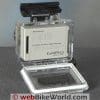
The GoPro HD is inserted into the waterproof housing.GoPro HD File Format
I went on quite a bit about the QuickTime format used in the VholdR ContourHD (review) video camera I reviewed not too long ago.
The GoPro has no such issues; it uses the widely accepted and high-quality .MP4 format using H.264 video compression standard and the files are easily read on the two computers and one laptop used during the evaluation.
The .MP4 files were imported into with Adobe Premiere Elements 8.01 with no problems and were easily edited. After editing, the files were saved again in H.264 format and uploaded to YouTube.
We created two short videos (below); one is a quick overview of the cameras and the other is a brief comparison of the videos taken in the studio and on the road with both the GoPro HD and the Drift X170.
The studio videos compare the quality of the Canon HV20 video camera we use for most of the webBikeWorld videos (1080i) with the GoPro HD and the Drift X170.
You will see in the videos that the Canon still has much better quality, while the GoPro produces good quality video but the very wide angle lens that somewhat distorts the perspective, especially at close range, while the Drift X170 is wide angle only.
The GoPro lens is a fixed f2.8 and the field of view is 170 degrees for 720p or 960p, while the 1080p has a field of view of 127 degrees.
The fixed f-stop and the comparatively crude firmware has occasional difficulties with high-contrast scenes, or when coming from shadows to sunlight when riding and shooting a video.
Both of those cameras also have lower quality, less saturation and lower contrast levels than the Canon and are lower quality than even most of the relatively inexpensive digital cameras with HD video capability, so we still have a way to go in this area.
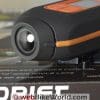
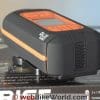
GoPro HD front and rear views. Still photograph lens perspective comparison of the three cameras: Left: Nikon D70, 18-200VR at 35 mm. Center: Drift X170. Right: GoPro HD. Here is a 625 pixel wide version of this comparison. Photos were un-retouched but cropped to 625 pixels wide.
Notes on Using the GoPro HD
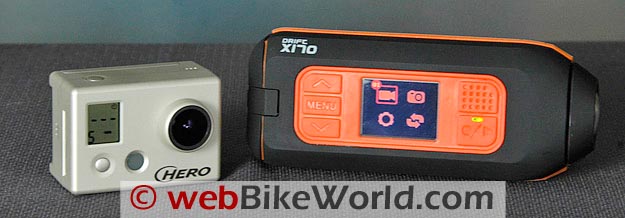
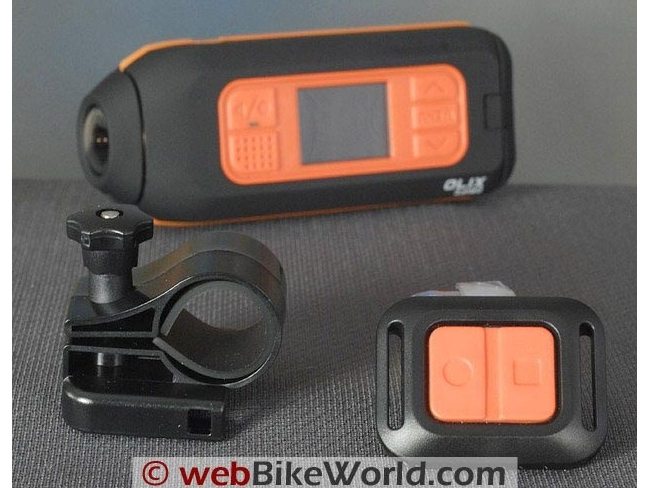
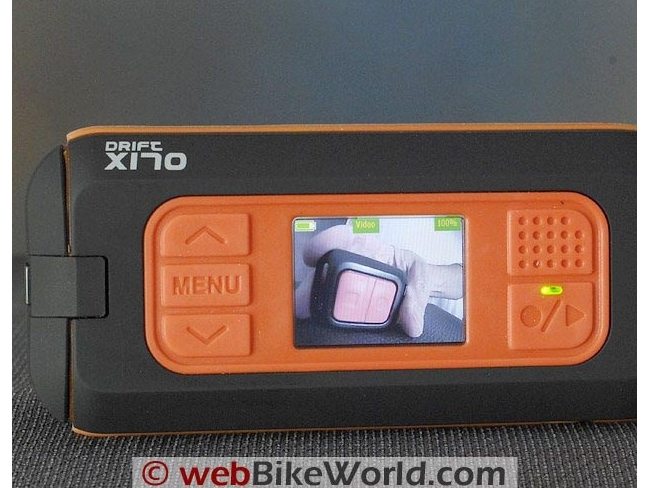
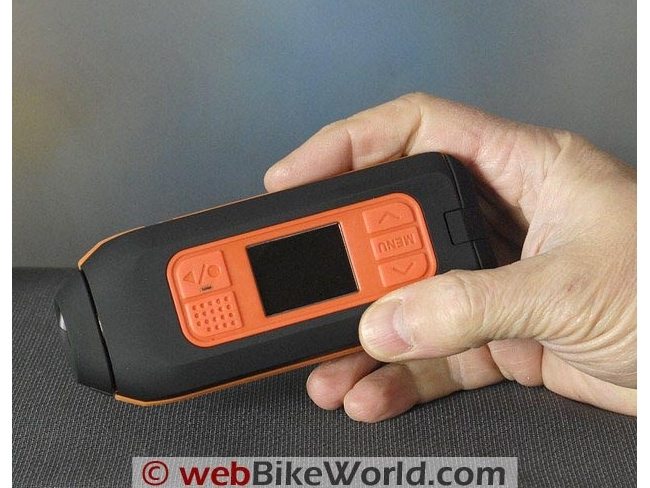
One big difference between the GoPro series of cameras and the Drift X170 is that the Drift has a live view on a built-in LCD color screen.
This immediately makes the tiny black-and-white, not-live screen on the GoPro obsolete and looking like something from the early 1980’s.
The Drift has an easy-to-use menu system and being able to see the live view immediately in the screen allows the user to line up the camera and know exactly what will be recorded.
The GoPro user is completely blind — you’re setting up the camera, hoping that you’ll record what it’s pointing at.
The GoPro LCD screen is tiny, at 12 by 15 mm.
As a result, the menu system is very cryptic, with very low resolution letters and numbers used. It looks like a screen from “Pong”, a 1970’s video game.
We found that we had to carry the instruction sheet as a reminder of all the different settings. Also, missing a menu choice means going through the entire system again, selecting each choice until you return to where you were.
There is no “back” button. The Drift X170 menu is worlds apart, with color and ease of use that again make the GoPro system seem antique.
It can be quite frustrating and several videos we took were not recorded correctly because the camera simply wasn’t pointing in the direction we thought it was.
This could be at least somewhat corrected if GoPro had a built-in laser pointer, or a mechanical eye port that somehow attached to the camera to allow it to be aligned correctly.
Also, it appears that both of these cameras do not have an obvious warning if no SD card is installed.
We tried taking videos several times and couldn’t figure out what was going on until we realized the memory card was not installed.
There should be a very obvious warning, flashing lights and beeps if the camera is turned on without the memory card.
The GoPro does not have a 1/4-20 adapter built-in either, which is a must on any type of camera.
The 1/4-20 tripod mount thread has been used for decades as the standard for cameras of all types and its absence makes the cameras more difficult to use.
The Drift X170 does have a built-in metal 1/4-20 thread.
However, the suction cup mount provided with our GoPro HD does not have a ball mount, so it can only be used in one plane, which can be frustrating when trying to line up the camera, especially since you can’t tell exactly where the camera is pointing.
The combination of the poorly designed suction cup mount with no ball head and the difficulty in lining up the camera (no live view) is frustrating.
The GoPro video does have some of the “rolling shutter” or “wavy” effect that is characteristic of CMOS sensors.
You can see this effect in the on-bike video. It takes decent still photos also, albeit with the wide-angle, somewhat distorted perspective due to the fixed lens.
|
webBikeWorld Overall Opinionator: GoPro HD Hero Video Camera
|
|
|---|---|
| Picks… | …and Pans |
|
|
Sound Recording
The GoPro HD has a built-in microphone that at least records higher quality sound than the VholdR ContourHD.
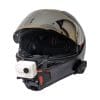
The GoPro comes with a separate open back for the housing that can be used to allow better access to the microphone, but using the open back obviously makes it non-waterproof or even water-resistant.
We left the sound unchanged and unedited in the on-bike video samples.
With careful placement and possibly some wind-filtering experimentation, the sound may be better than we recorded, but we didn’t spend much time trying to perfect this aspect of the cameras.
Some owners report success using different types of open-cell foam strategically placed over the microphone.
NOTE: The raw files were processed in Adobe Premier Elements 8.0 and exported as H.264 in .M2T format. The files are compressed again when uploaded to YouTube, so the quality is slightly degraded from the original video.
See Also: Riding the Harley-Davidson Road Glide Custom (YouTube video). A video taken with the GoPro HD (user selectable for various HD resolutions in the YouTube drop-down). Added May 18, 2010.
Conclusion
Not sure what else I can tell you about the GoPro HD video camera that hasn’t already been covered in the webBikeWorld reviews of the GoPro original and GoPro Wide reviews.
If you have any other questions, feel free to send them to the Editor and I’ll try to answer in the Owner Comments section below.
The GoPro HD does take decent video and it’s certainly a positive evolution of the original GoPro cameras.
The form factor can be a slight problem but it’s more subjective so the owner will have to decide if the bulkiness of the GoPro is something that will work for their particular usage.
It works best when attached to the suction mount and then to the side of the motorcycle or top of the helmet, although the lack of a ball head on the mount can be a problem, but not a deal-killer.
If the Drift X170 had full HD, it would probably be a clear winner in this comparison, unless you needed the full waterproof capability of the GoPro. I’d bet that Drift will have an HD version sometime soon.
In the meantime, the GoPro probably does have what is currently the best cost/quality ratio of any of the small “adventure” type outdoors video cameras.
NOTE: Part 2 of this review described the Drift X170 Video Camera, which has since been superseded by the HD version of the X170, the Drift HD170.
Next: Drift HD170 Video Camera Review
More webBikeWorld:
▪ Video Action Camera Reviews
▪ Intercom and Radio Reviews
| wBW Review: GoPro HD Hero Video Camera | |
|---|---|
| Manufacturer: GoPro Camera | List Price: $299.99 Other Sources: wBW Amazon.com Store. |
| Colors: N/A. | Made In: China |
| Review Date: April 2010 | |
Owner Comments and Feedback
See details on submitting comments.
From “G.E.” (8/10): “I just read your GoPro HD review after reading your Drift HD170 review…
You should be aware that there are some significant problems with the GoPro HD that you may want to add to your review, these problems are detailed in the unofficial GoPro forums at goprouser.freeforums.org.
Issue #1, no upside down mode which was a listed feature when they had the pre-order last fall, just empty promises on fixing it.
Issue #2, there is a problem with several name brand SDHC cards where the camera will not continue writing files after the 4GB limit when recording in the R3 mode.
This mostly happens with cards that are 16GB and larger, even the cards that GoPro sells.
Issue #3, if you use the time lapse still picture modes, you will soon render your camera non-functional.
There is a bug that makes the camera stop working after 9999 images or files are made, it is easy to hit this with time lapse. The only fix is to return the camera to GoPro, and then it starts all over again.
Issue #4, many of these cameras have a annoying rattle which comes from the top shutter button. It’s a mechanical problem that needs to be addressed.
They keep stringing users on with the saying that the firmware will be coming soon, it has been coming soon since I inquired back in November one day after I received my camera and found that the setting was not present.
Just thought this should be added to the review so that anyone reading the review and buying the camera will know what they are getting into.”
From “M.G.” (4/10): “I recently read your review about the GoPro HD and Drift X170.
At one point you noted that you preferred using AA replaceable batteries over the GoPro’s lithium-ion because they can be easily swapped out.
I have to disagree.
I own both the original GoPro (none-widescreen) and the current HD model.
My biggest annoyance with the original was being forced to use AAA batteries that rarely lasted longer than an hour, and quickly drained on their own (meaning your back-ups may be dead).
In contrast, the GoPro HD has a battery life indicator on the screen, and the lithium battery lasts more than long enough. Furthermore, GoPro sells extra lithium batteries that can be swapped in if the original while on the road.
And they’re planning on including a software upgrade via their website to let you charge the camera while it records, theoretically making battery life infinite.
I also noticed a dramatic increase in the audio quality from the original GoPro to the HD.
The non-waterproof backing to the case makes a big difference. This may be an issue in more tropical climates where rain comes without warning, but in arid areas it works great.
Editor’s Reply: A few points of clarification: The article was revised since the original to note that the battery in the GoPro HD is replaceable.
A new battery sells for $19.99 on the GoPro website but may be a bargain, depending on how many times it can be recharged vs. rechargeable AA batteries.
The Drift uses AA batteries, not AAA.
The AA batteries in the Drift last a claimed 4.5 hours, compared to a claimed 2.5 hours for the lithium battery in the GoPro HD.
So a pair of AA batteries last nearly twice as long as the lithium battery in the GoPro, but it’s probably not a fair comparison because the video types are different.
There is also the convenience factor because AA batteries are readily available when traveling. Both the Drift and the GoPro have a battery life indicator.
As was mentioned in the article, both cameras can be powered via a USB port and the GoPro batteries are recharged when doing this.
However, connecting a USB cable means removing the camera from its waterproof housing.